
Download Google Translate – translate text, translate image, translate speech, translate languages, online translator, free translation tool, multilingual communication, language learning, travel translator, offline translation
Overview
Google Translate is a versatile desktop and mobile application designed to facilitate real-time language translation across more than 90 languages. Its primary purpose is to break down linguistic barriers in communication, enabling users to translate text, spoken words, images, and SMS messages with minimal effort. The software serves a broad audience, including students, professionals, travelers, and language learners who require quick, accessible translation support.
Developed by Google LLC, the application leverages advanced machine learning models to deliver fast and context-aware translations. It supports both online and offline usage, allowing users to access core translation features without an internet connection, particularly beneficial during travel or in low-connectivity environments. Real-world scenarios include reading foreign-language signs, translating business documents, conversing with non-native speakers, and studying new languages.
The software integrates seamlessly into daily workflows, making it a go-to utility for multilingual communication. While the developer did not provide additional details on its internal architecture or training data, its widespread adoption highlights its reliability and accessibility. Google Translate is especially valuable in cross-cultural interactions, offering a practical solution for individuals navigating global environments.
Key Features & Capabilities
- Text Translation: Enter any phrase or word to receive an instant translation across supported languages. The app detects the source language automatically, reducing user input and enhancing efficiency.
- Image Translation via Camera: Use the camera to scan printed text, signs, or documents. The app overlays translated text in real time, enabling users to understand foreign-language content on the fly.
- Speech-to-Text Translation: Speak naturally into the microphone, and the app translates spoken phrases into the target language, ideal for real-time conversations.
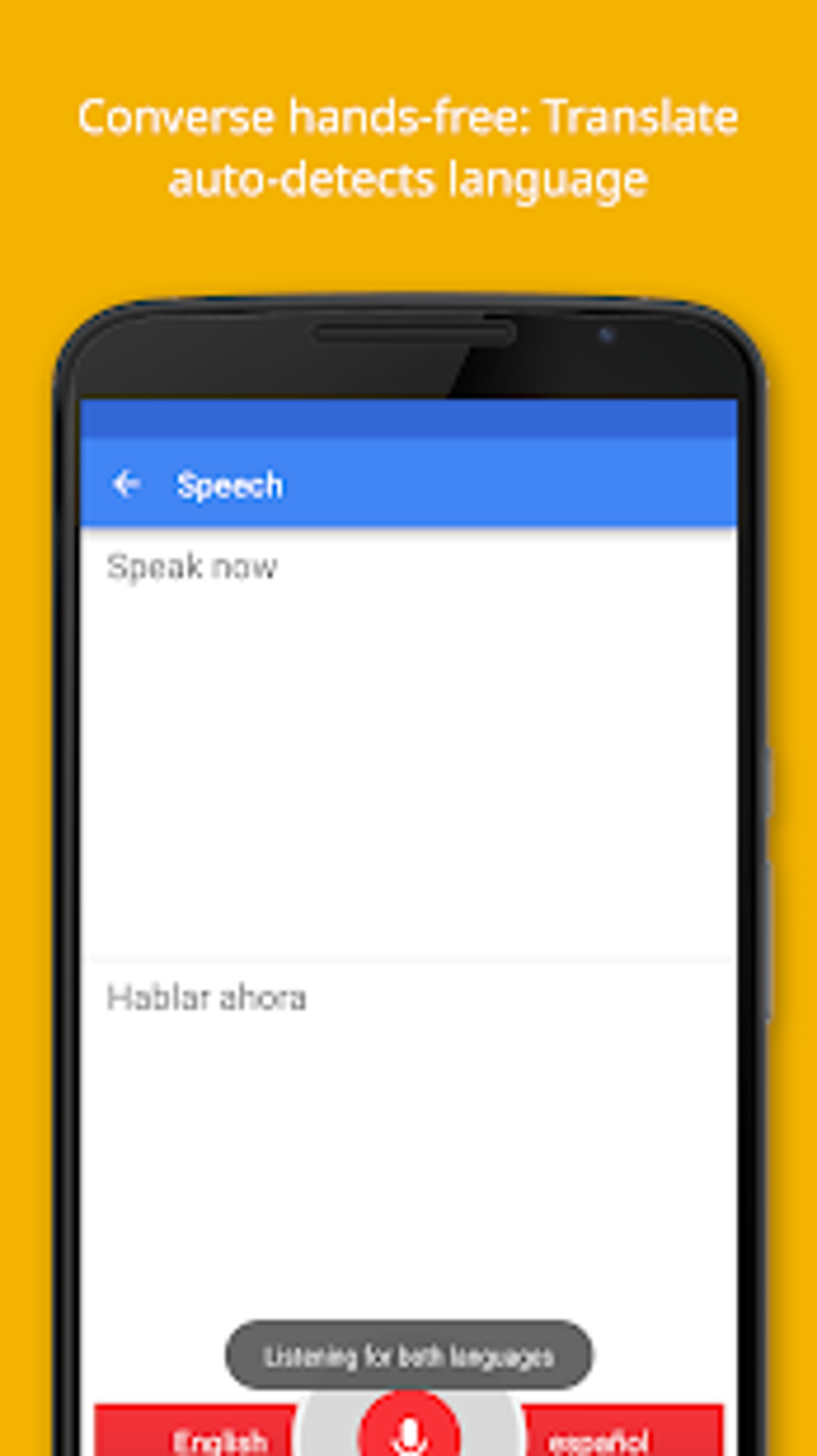
- Conversation Mode: A dynamic feature that allows continuous, back-and-forth translation between two speakers without manual toggling, simulating a live interpreter.
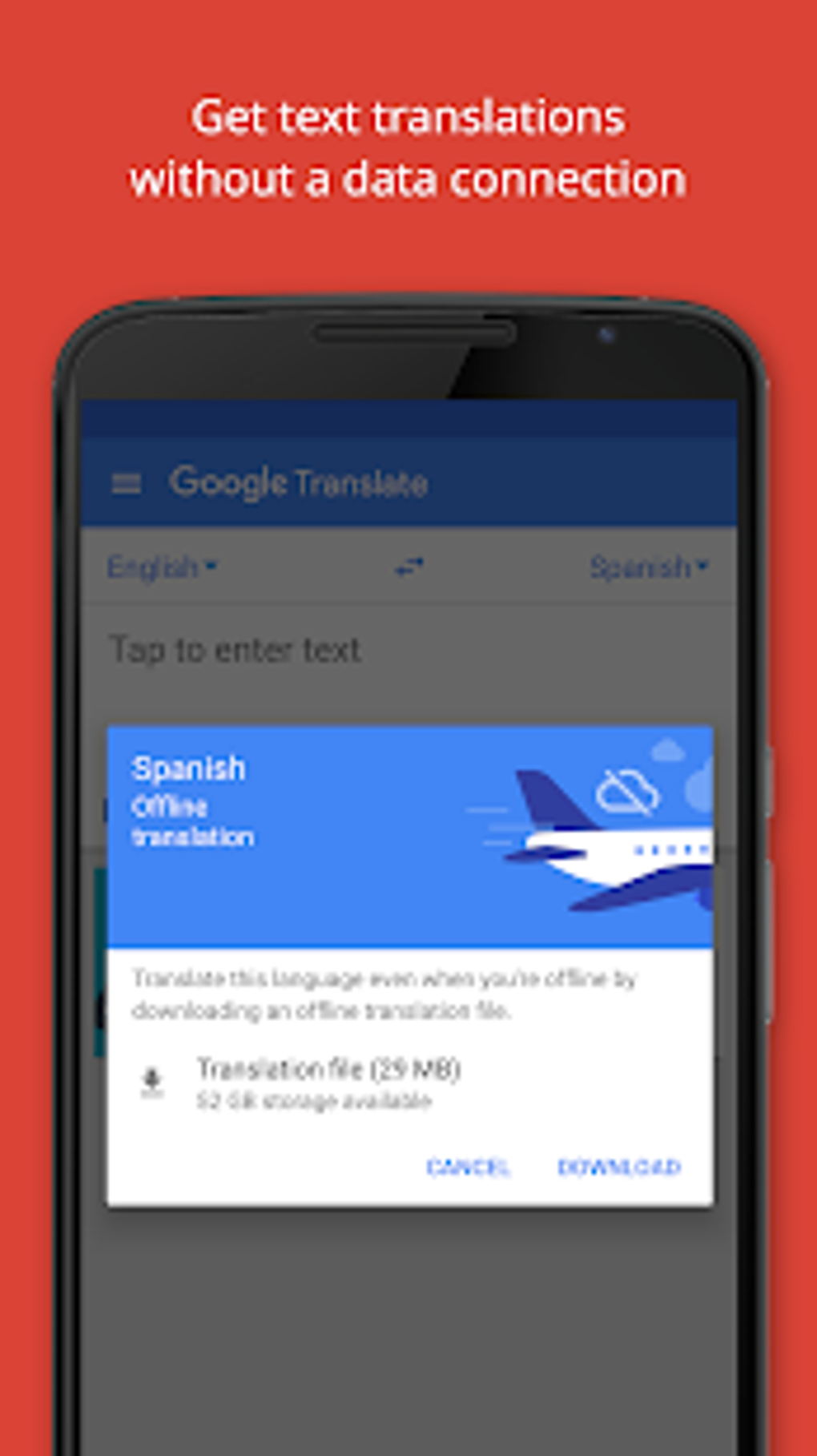
- Offline Translation: Download language packs to use core translation functions without internet access, supporting languages such as English, Russian, French, Italian, German, Spanish, and Portuguese.
- Digital Phrasebook: Save frequently used translations and sync them across devices for quick access, even offline.
- Handwriting Input: Write words or phrases directly on the screen for translation, useful when typing is impractical.
- Text-to-Speech Output: Hear the translated phrase spoken aloud, aiding pronunciation and comprehension.
Usage Examples
Travelers can point their device at a street sign or menu to instantly understand its meaning. Students can scan textbook excerpts or lecture notes in foreign languages. Professionals can translate emails or documents during international meetings. Users with hearing or language challenges may benefit from real-time speech and text translation for improved accessibility.
User Interface, Workflow & Performance
Google Translate features a clean, minimalistic interface optimized for speed and clarity. The main screen presents input and output fields, with intuitive icons for camera, microphone, handwriting, and language selection. Navigation is straightforward, with consistent layout across platforms.
The workflow follows a logical sequence: input text, select language, receive translation, and optionally listen to pronunciation. The app responds rapidly to inputs, with translation delivery typically within seconds. Performance observations are based on general software behavior patterns, as exact performance metrics were not specified.
The application maintains stability during typical use, with no reported crashes or freezes. Resource usage, including CPU and RAM consumption, was not detailed by the developer. However, the lightweight nature of the app—measuring 75.8 MB—suggests efficient memory management.
Offline functionality operates smoothly when language packs are pre-downloaded. The user experience is streamlined, prioritizing accessibility and speed over complex customization.
Compatibility & System Requirements
Google Translate is available for Android, iOS, Windows, and Mac operating systems. The current version is 10.0.344424123, with a file size of 75.8 MB. Platform compatibility information is comprehensive, supporting modern versions of each OS.
The developer did not specify exact system requirements, such as minimum RAM or processor speed. Installation is straightforward, with no complex dependencies. For offline use, users must manually download language packs, which vary in size depending on the language.
The application functions effectively on devices with standard configurations. Exact performance details were not provided, but the app is designed to operate across a wide range of hardware, from smartphones to desktops.
Pros and Cons
Pros
- Supports over 90 languages with automatic language detection.
- Offers translation via text, speech, images, handwriting, and SMS.
- Includes offline mode for essential translation tasks.
- Intuitive, responsive interface across all platforms.
- Free to download and use with optional premium features.
- Syncs saved translations across devices via cloud integration.
Cons
- Accuracy may vary with complex sentences or idiomatic expressions.
- Handwritten text recognition is inconsistent in some cases.
- Offline support is limited to a subset of languages.
- Background noise can interfere with speech-to-text translation.
- Some advanced features may require a subscription.
FAQ Section
Is Google Translate safe to use?
Yes, Google Translate is considered secure for general use. It does not collect personal data beyond what is necessary to improve service functionality. However, some user information may be processed for model training and performance optimization.
Can I use Google Translate offline?
Yes, limited offline functionality is available. Users can download specific language packs to translate text and speech without an internet connection. However, not all languages are supported offline.
Does Google Translate support voice translation?
Yes, the app includes a speech-to-text translation feature that allows users to speak into the microphone and receive real-time translations in the target language.
Is Google Translate free to download?
Yes, the software is free to download and use. While basic features are available at no cost, certain advanced capabilities may require a paid subscription.
Can I use Google Translate on both Windows and Mac?
Yes, Google Translate is available for both Windows and Mac operating systems, offering consistent functionality across desktop platforms.
Final Thoughts + CTA
Google Translate stands out as a powerful, accessible, and reliable tool for multilingual communication. Its ability to translate text, images, speech, and handwriting across more than 90 languages makes it indispensable for students, professionals, and travelers alike. The integration of offline mode, digital phrasebook, and conversation mode enhances usability in real-world scenarios.
While translation accuracy may vary with complex or idiomatic content, the overall performance remains strong and consistent. The app’s clean interface, fast response times, and cross-platform availability further solidify its position as a top-tier translation utility. For anyone seeking a free, secure, and feature-rich translation tool, Google Translate delivers exceptional value.
Download Google Translate now.





.png)

